Keep only what the next step needs
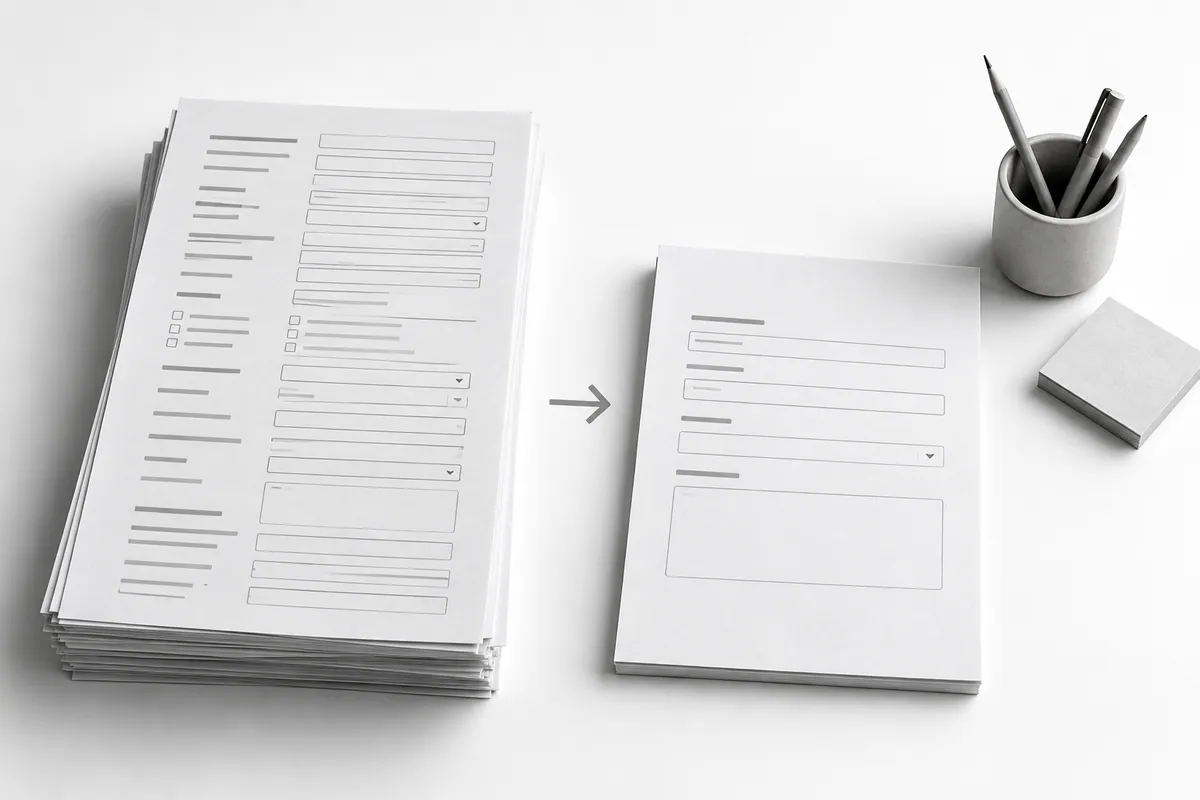
If your team clarifies the request first, a way to get in touch and a short description are enough. Don't automatically demand a budget, a technical spec or a long list of parameters. A complex quote can have its own extended form. Try the form on a phone too: mobile-friendly website.
Label fields clearly and show an example only where it's needed. Don't rely on a placeholder that disappears as people type as the only explanation: once they start typing, they may forget what you were asking for.
The message must match what actually happened
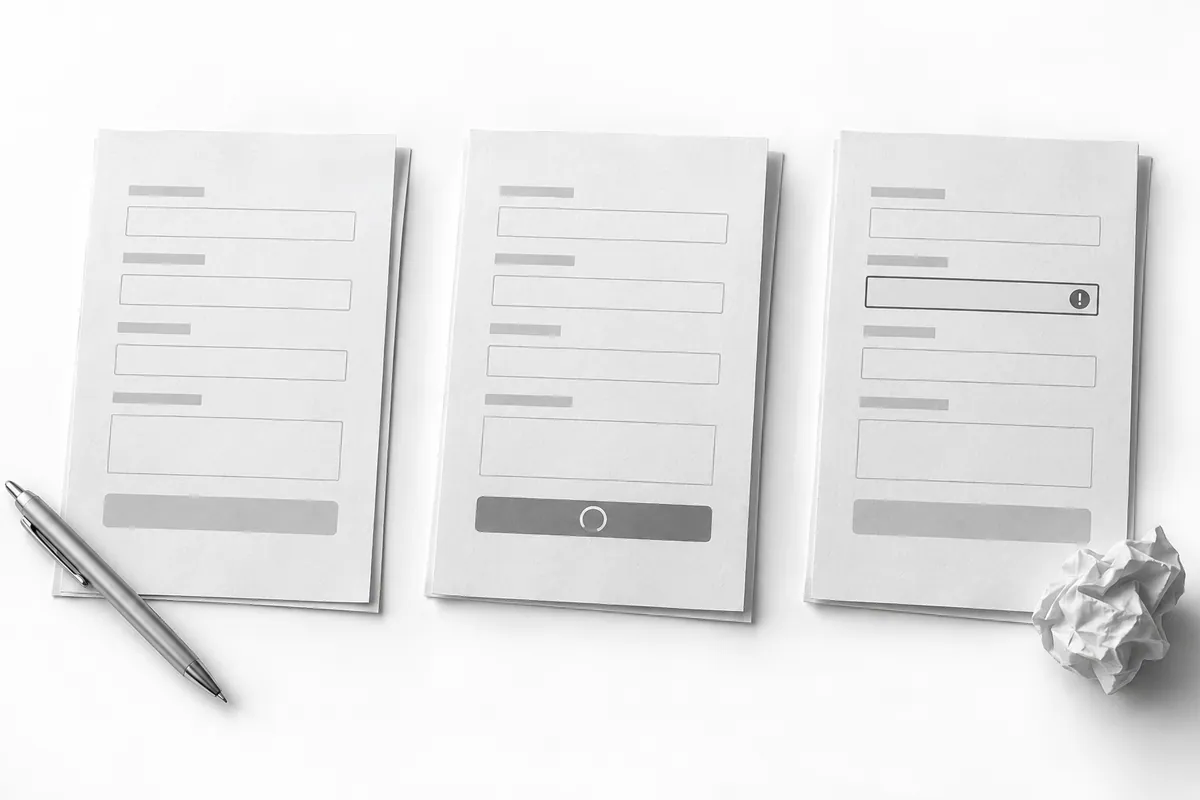
Show success only after the inquiry has been confirmed as received. If there's an error, keep the text and explain that they can try again. Don't clear the form if the lead didn't go through.
Protection against double clicks is needed both in the interface and on the server. Make sure a slow response doesn't create several identical inquiries or leave the button locked forever.
Check who receives it
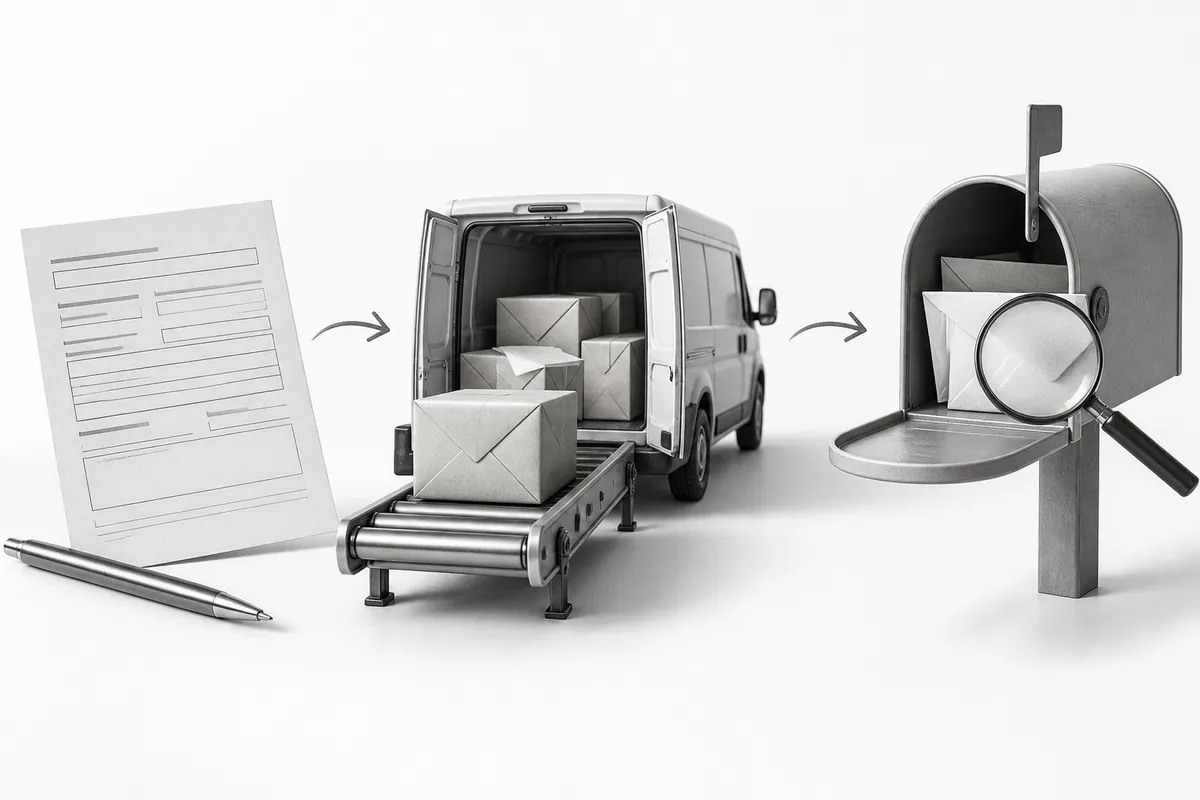
A lead should include the selected service, the message and the source you need, not just a phone number. Decide who is responsible (lead generation) and how inquiries are handled after hours. A backup contact option helps if the form is temporarily down.
On a service business website , the form is part of the offer. Connecting a CRM helps continue the journey after the click, but you need to test the data handoff and who owns each lead.