Agree on a data map
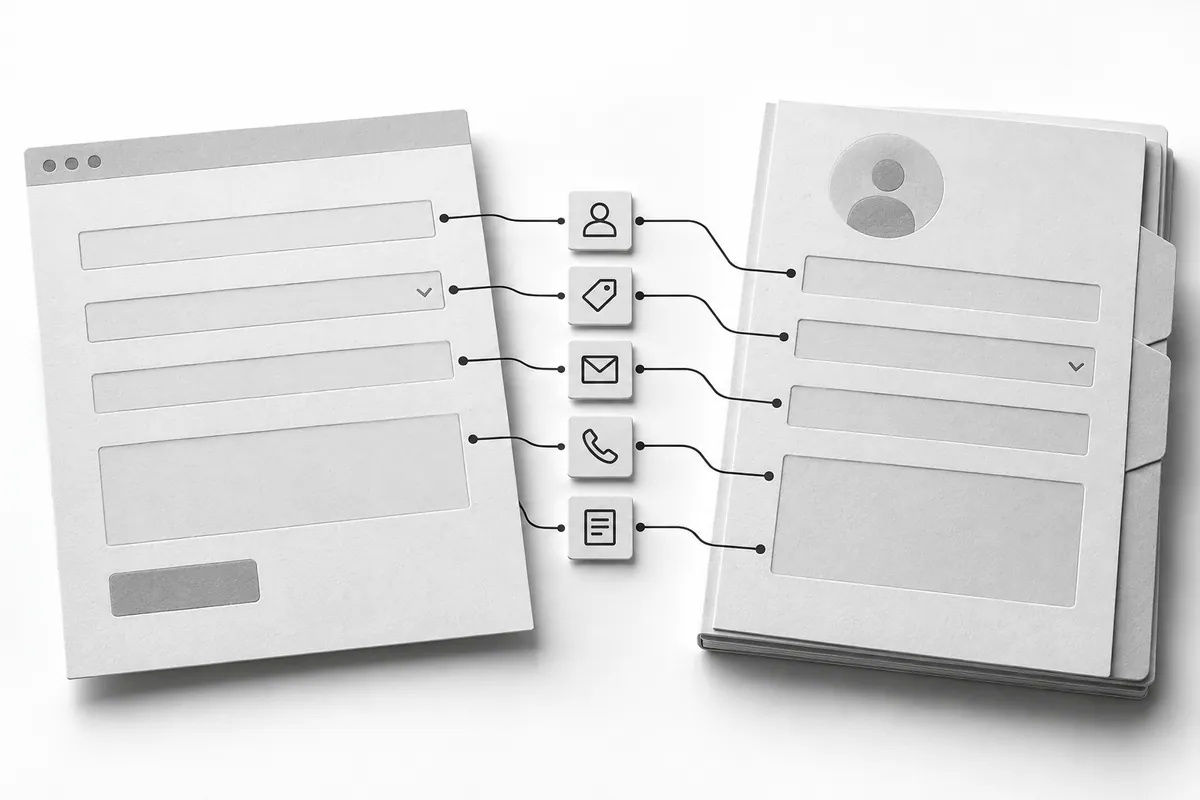
For each form field (CRM implementation starts right here), define the matching CRM field. Name, phone, message, service and source should land in clear, predictable places. Don't dump everything into one comment if your sales team needs to filter leads or build reports.
Decide whether the form creates a contact, a deal or both. A returning customer doesn't always need a new contact, but a new request may need its own deal. Agree on this business rule before development instead of leaving it to whatever the integration happens to do.
Resubmitting shouldn't multiply leads
People may click twice or repeat the action after a slow response. Disabling the button helps on the front end, but the server also has to recognize a repeat of the same submission. Otherwise one person gets several calls from different reps.
At the same time, two separate inquiries from the same number aren't necessarily a duplicate (how to handle duplicates). You need to tell a repeated technical request apart from a customer's new interest. Agree on a submission ID and rules for matching existing contacts that fit your process.
What the visitor sees when something fails
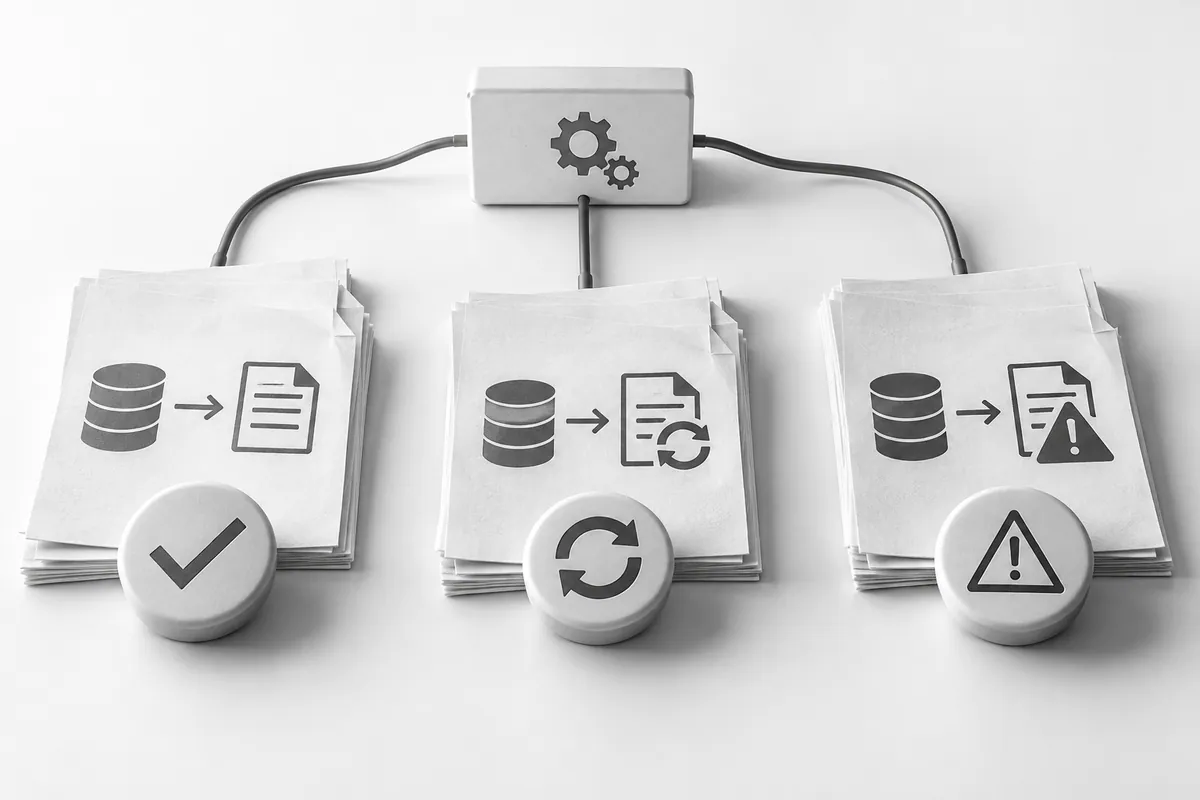
Don't show a success message if nothing actually saved the lead. If there's a reliable local queue, the message should reflect that the request was received, and the people responsible should see delivery problems. More on fields and messages: the website lead form. Retries need limits and must not create duplicates.
When an error happens, keep the text the person entered, explain that they can try again and offer another way to get in touch. In logs, a technical ID and the cause of failure are enough; there's no need to copy the full message with personal data all over the place.

Acceptance testing by scenario
Test a new contact, an existing customer, a double click, an invalid phone number, a long message and an unavailable CRM. After the service comes back, make sure the saved lead was delivered exactly once and to the right person.
In CRM and automation , what counts is reliability in the edge cases. If the integration is built alongside website development, it's best to put the field map and acceptance scenarios into the overall specification, so the form and the sales system aren't designed separately.