Show the result in the customer's words
"We set up automation" describes an area of work, but not the change for the business. Be more specific: an inquiry from the form lands in the CRM, gets an owner and a next task. That way the buyer sees how it is used, not just the name of a technology.
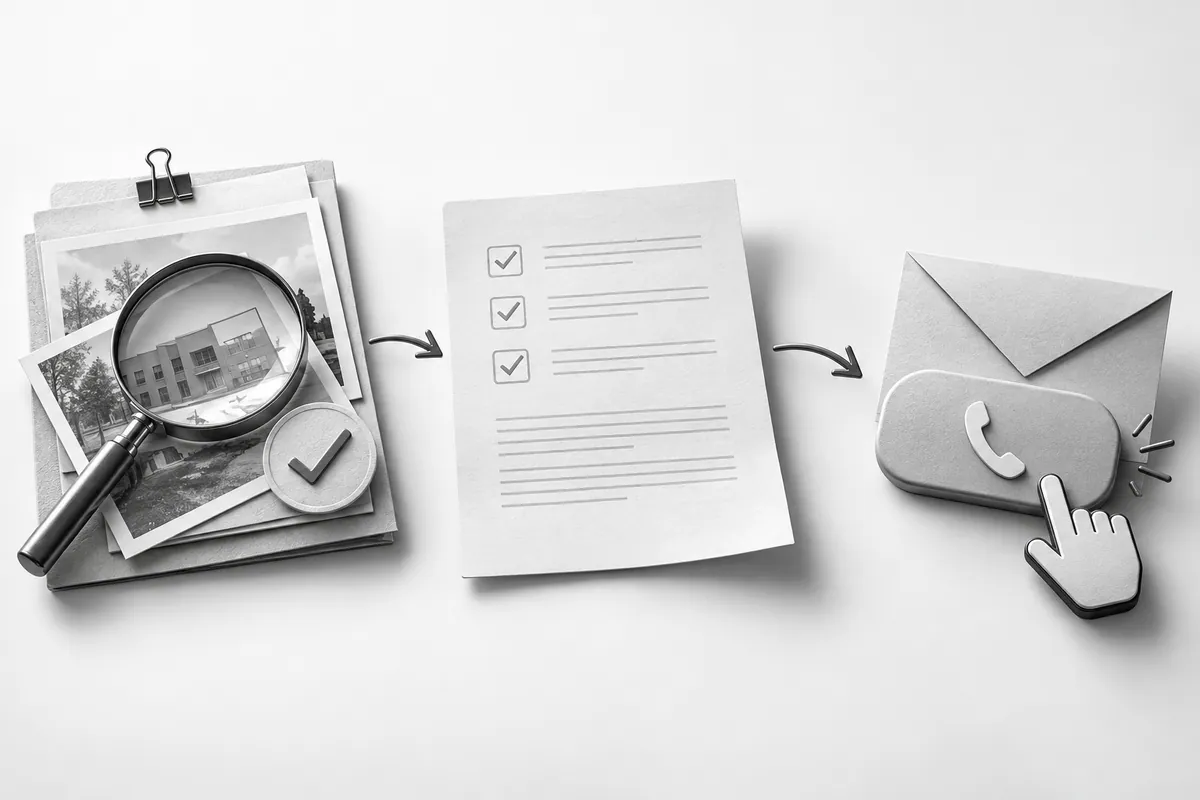
Add a short explanation or a simple diagram for each result (images that work for SEO). Do not turn every point into the same decorative icon with nothing behind it. Graphics should help people see how the results differ.

Make the limits of the offer visible
Show side by side what is included and what needs separate approval. For example, building a page does not necessarily include product photography or paying for third-party services. A clear exclusion lowers the risk of wrong expectations.
Do not hide these terms in a long paragraph. Comparison panels or short groups with subheadings let people judge the scope quickly. On a phone, they should read in order, without narrow columns.

Give people a reason to take the next step
Explain what information you need to get started and how the result is signed off. How to write this copy without keyword stuffing: SEO copy for service pages. Real demos, sample documents with private data removed and a clear acceptance process all help build trust. Do not invent case studies if you do not have any to publish yet.
The button at the end should name a real next step: discuss the task, clarify the scope or get a quote. When building a service business website, these answers are written together with the design, and branding then simply dresses up content that is already clear.