Place an illustration next to what it explains
A product photo, a process diagram and a comparison do different jobs. The caption should clarify what is shown, especially if it is an illustrative example. Don't present a generated scene as a documentary photo of a completed project.
Google recommends descriptive file names, meaningful alt text and relevant context around the image. Alt text describes what matters in the picture; it is not a place to list every service the company offers. Write it with the same care as your title and meta description.

Size images for how they are actually used
There is no need to send a huge original file to a phone without resizing it. Compare formats and compression levels by file size and visible quality. Labels in a diagram must stay readable, and the important details in a photo must stay sharp.
Set the dimensions in the markup so the page can reserve space. For a meaningful illustration, use a regular image element with an accessible URL, not just a decorative CSS background.

Don't delay the main image without a reason
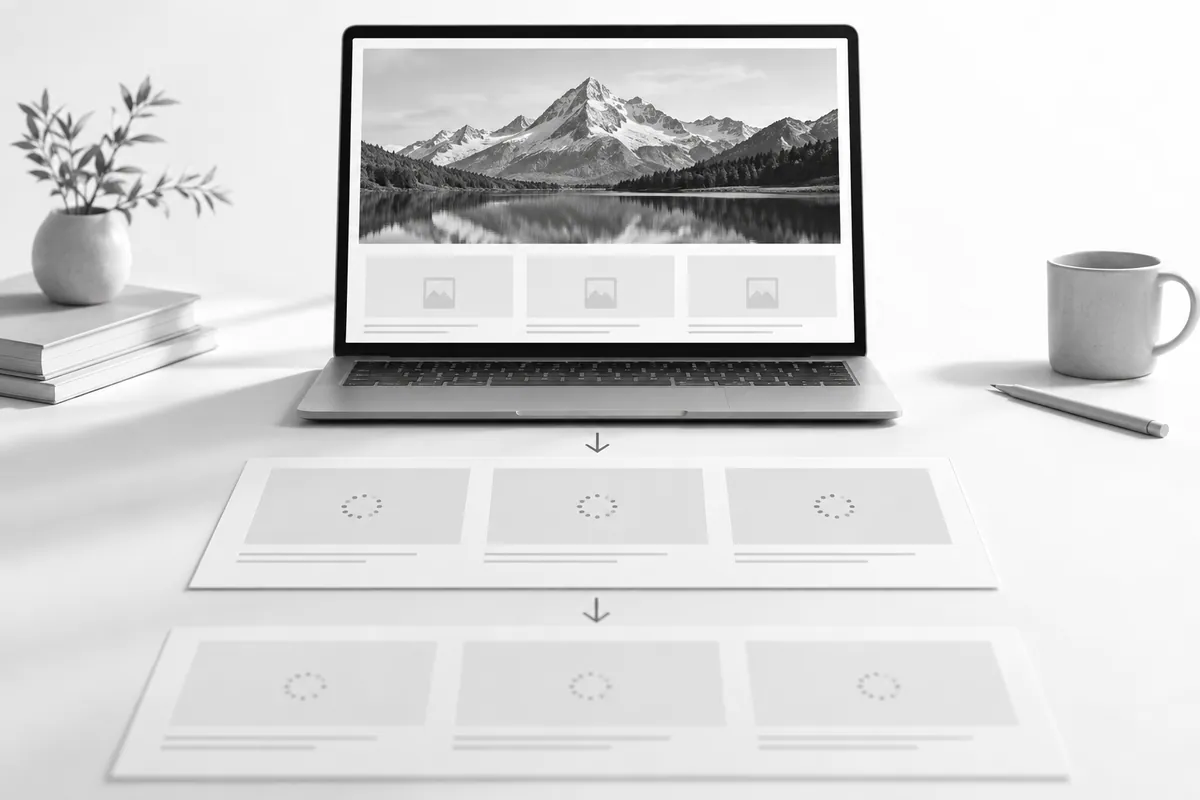
Images further down the page can be lazy-loaded. More on speed: why your website is slow. The main visual above the fold needs a different priority. Test the result on a phone and on a slower connection, not just on your own computer.
A good image is relevant, accessible and fast, all at once. How images connect to the page's content is covered in SEO, while formats, sizes and lazy loading are set up by technical support.