Separate the questions of each decision-maker
List the roles (just as you would in a website specification) and the information each one needs. A technical reader cares about parameters and compatibility, a manager about use cases and the limits of the result. Don't make everyone start with a long company history.
Use product or solution pages as entry points. Give a short explanation there, plus links to the details. That way people can dig deeper without losing sight of their main task.

Make your materials easy to pass along
A link to a specific configuration or a clear document is easier to forward to a colleague than "look somewhere on the website." File and page names should explain what's inside, and versions should be current.
Don't put every technical answer behind a contact form without a reason. Decide which information helps with initial screening and what genuinely needs an individual conversation.

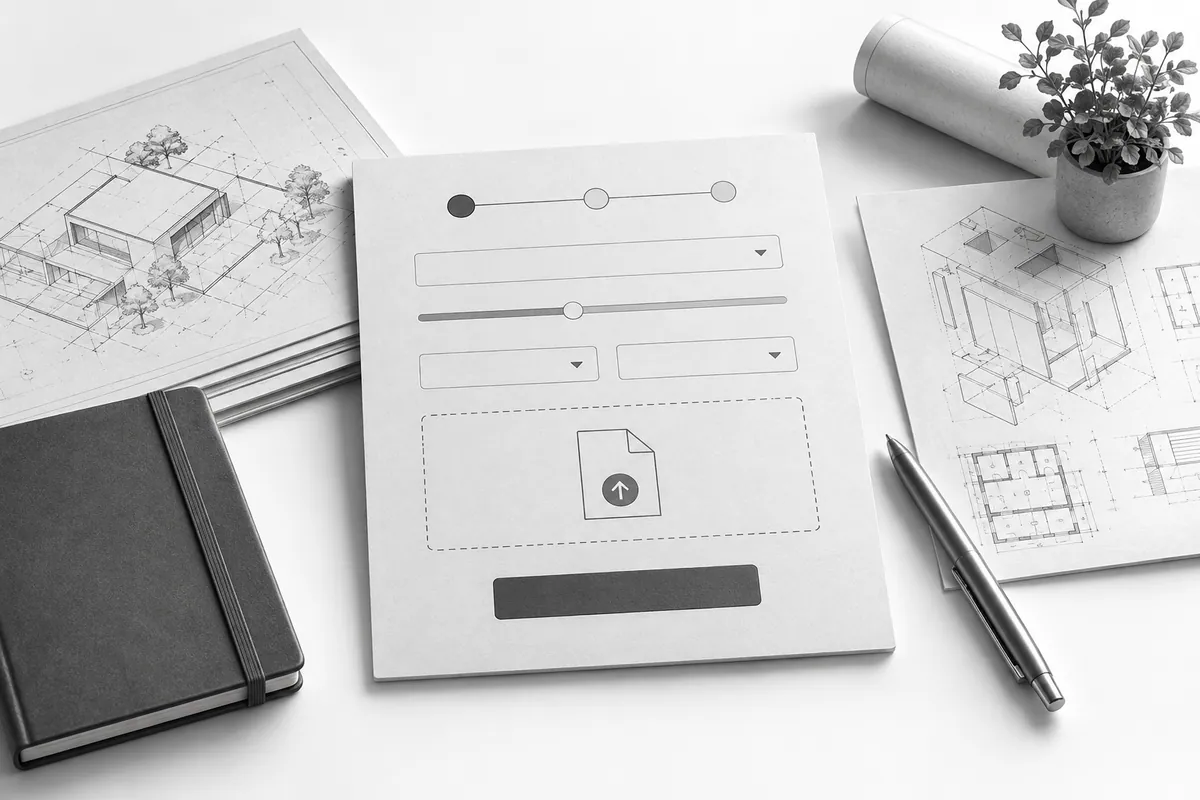
The form has to handle a complex request
Let people describe the task and share the relevant parameters, but don't demand a full specification from someone who is still working it out. Explain who will continue the conversation, where the request is logged (CRM) and what needs to be prepared. How to avoid overloading the fields: lead form.
A corporate website is designed around these paths. If it's connected to several channels and a CRM, an outsourced digital team helps keep content, acquisition and follow-up on requests aligned.