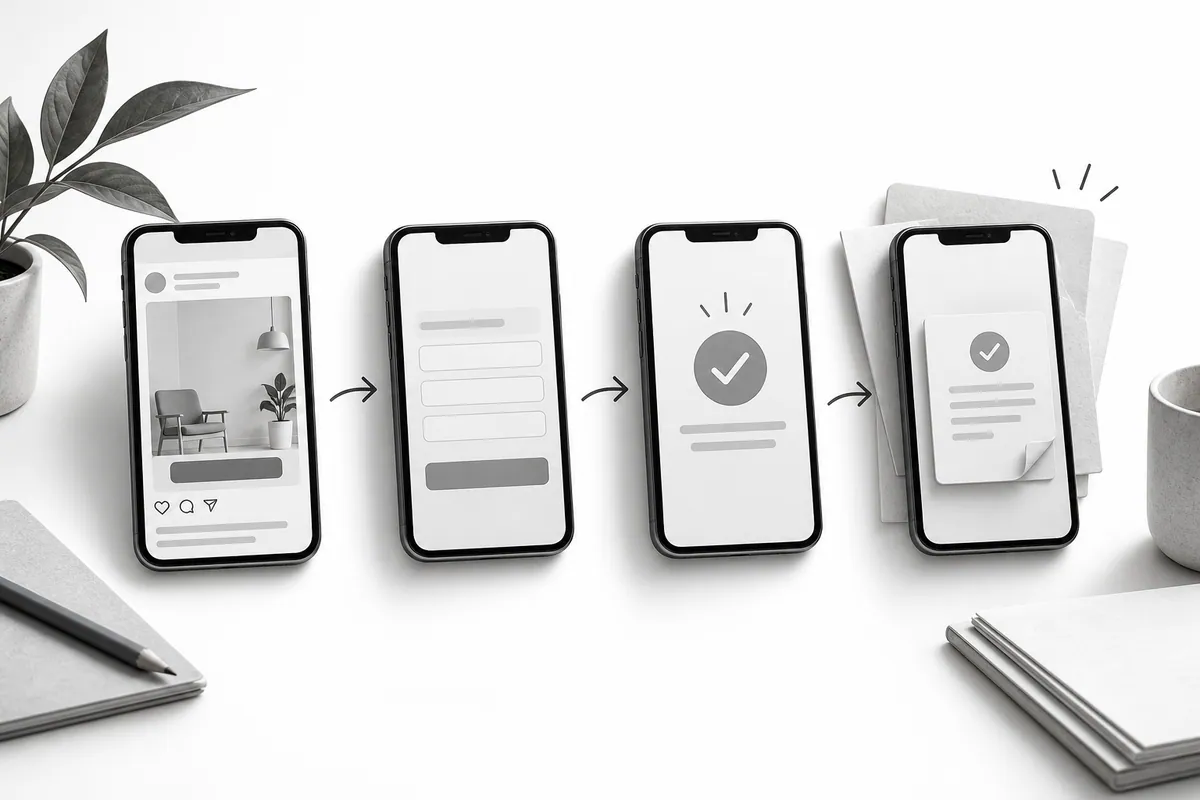
Match the promise to the first screen
Write down the ad's main message and find where the page backs it up. The service, the audience and the terms shouldn't suddenly change after the click. If the ad is about a specific product, don't make people hunt for it among everything else you offer.
Check the first screen on a phone (mobile version). Is the message visible before a large decorative image? Is it clear what happens after the button is tapped? A long intro about the company can delay the answer to a question you've already paid a click for.

Spell out the terms before contact
Visitors should see the key limits: service area, format, scope of work or whether a quote is needed first. This filters out unsuitable inquiries without extra work for your sales team.
Don't overload the form. If a contact and a short task description are enough for a first conversation, don't ask for a full brief. Explain the next step, and keep the text people typed if an error occurs.

Run the test all the way through
Test valid and invalid data, a double click on the submit button and an unavailable recipient. Coordinate test submissions so they don't trigger unwanted emails or real orders. The analytics event should fire when the request is actually received, not on a simple click. This matters just as much for paid social ads.
Your landing page and your Google Ads campaigns need a shared definition of a result. Confirm the whole path works before you spend money, and repeat the check after any major change to the form or an integration.