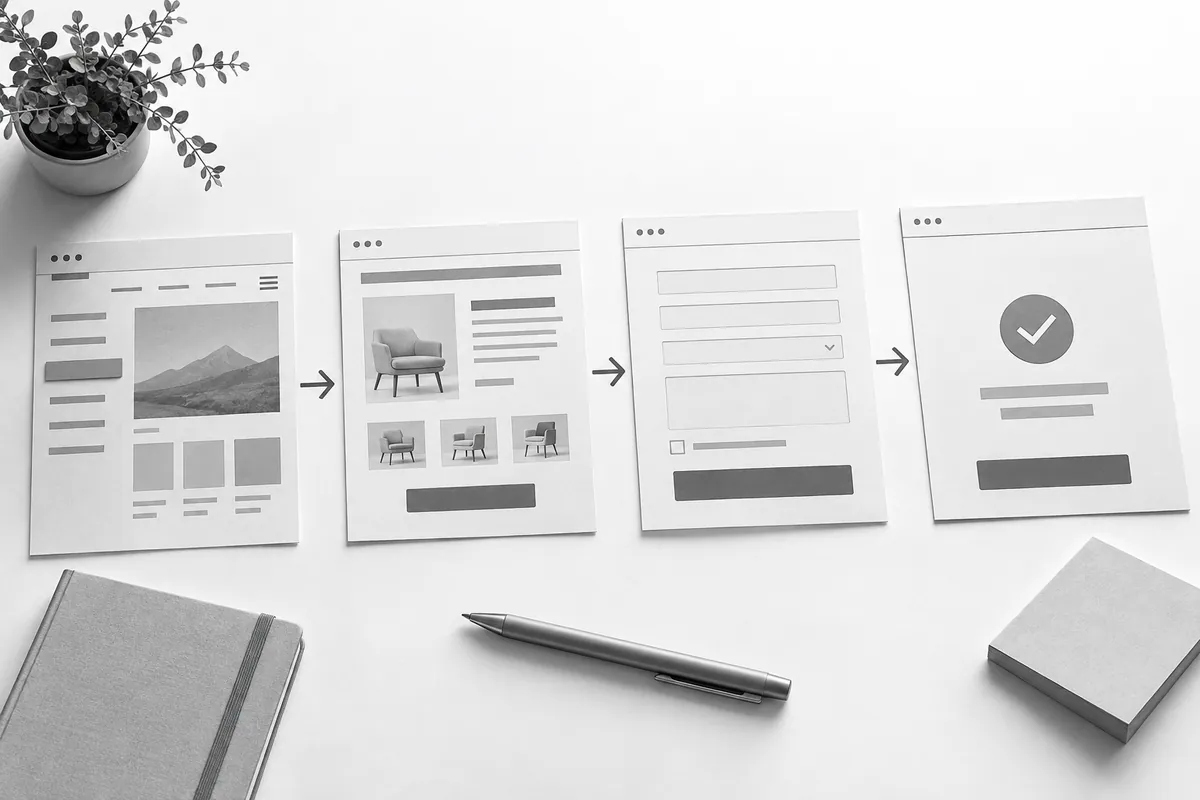
Test the key user journeys
Find a service through the menu, land on the site from an ad URL, look up information and fill in the form. For an online store, add the cart and a controlled test order. Define the expected result of every test in advance.
Repeat the same journeys on a phone. Check error messages, empty states and double clicks, not just the perfect happy path. Agree on any test actions that touch outside systems beforehand.
Check the content and technical readiness
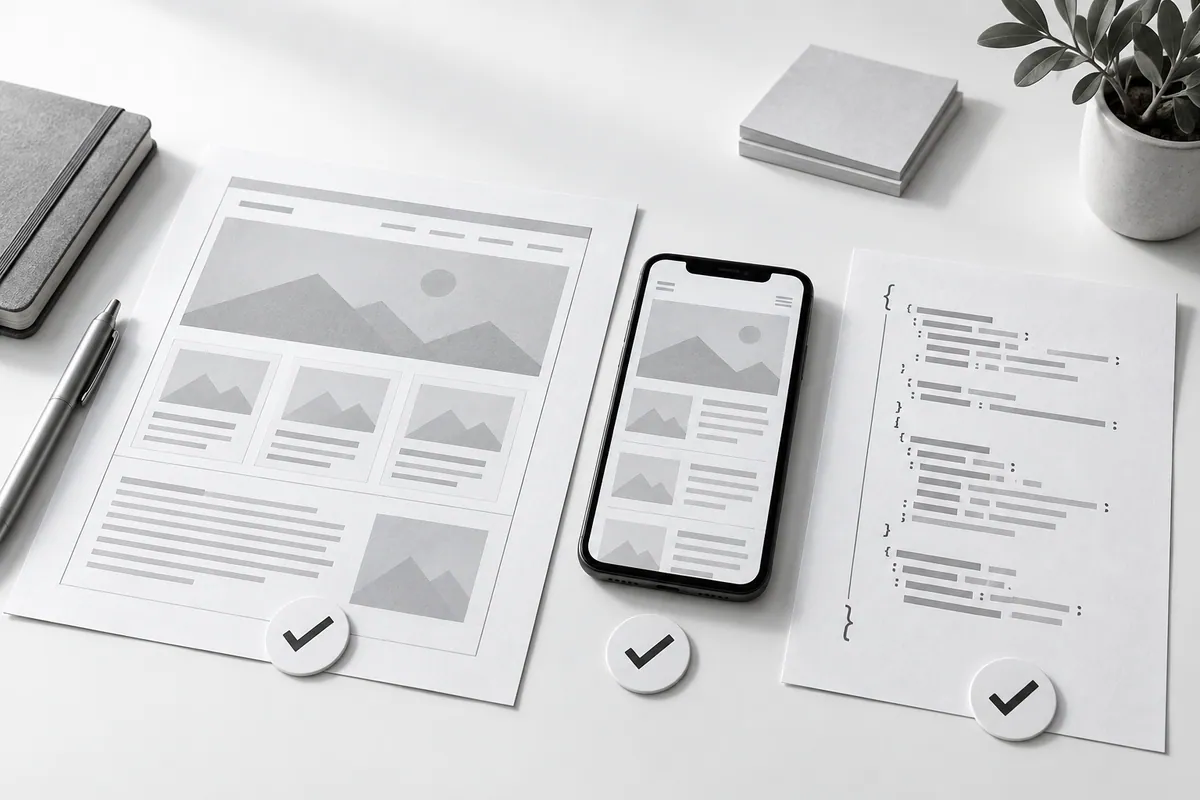
Review contact details, terms, headings, images and links. If you are moving from an old site, compare the old URLs with the new ones. An SEO audit covers this comparison. No finished page should accidentally point to a staging domain or unfinished content.
Measure speed under the conditions you agreed on and test the site while logged out. Write down which indexing restrictions the staging copy needs and which settings the live site should get.
Make sure the site can be maintained
Try editing a typical piece of text and adding an image. Check user permissions, backups and the restore instructions. The owner should know where the source files are and who looks after the integrations.
Website development ends with a tested handover, not just a link. Website maintenance keeps these scenarios working after launch.