Define the role of each URL
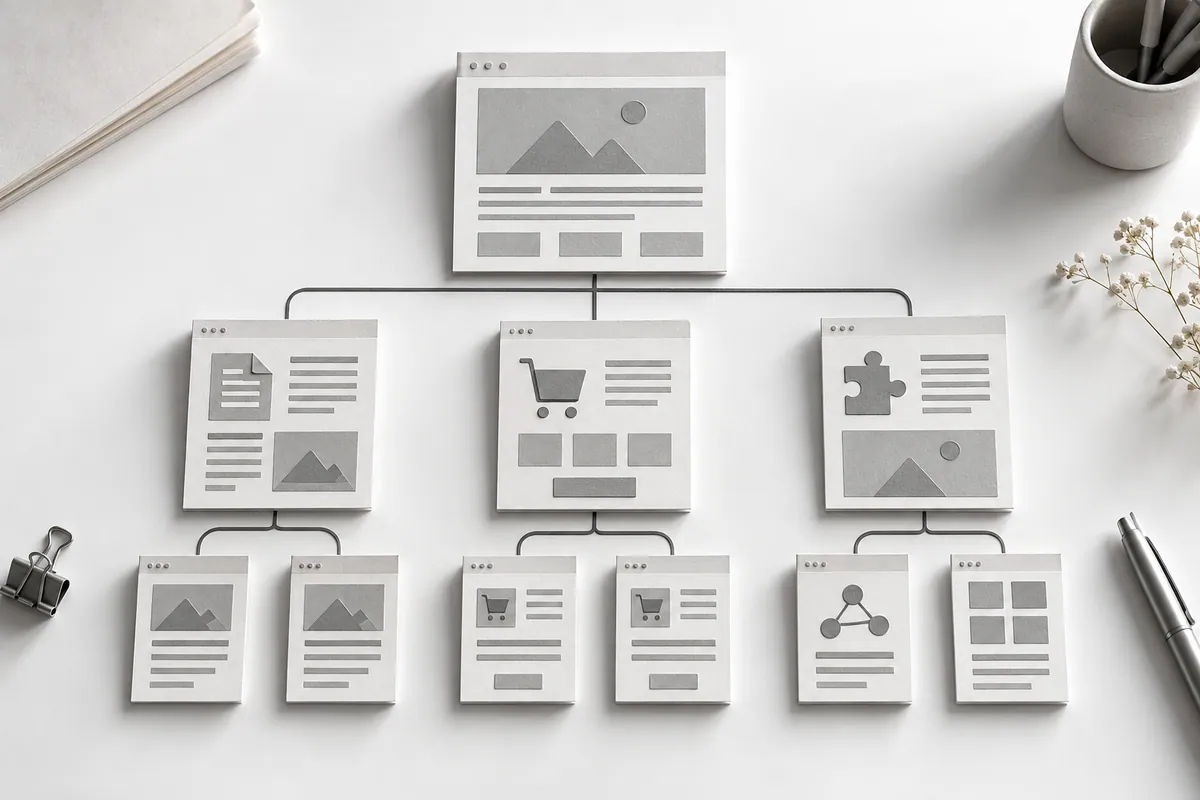
A service page explains a commercial offer. An article covers one specific question. A solutions page brings several services together around a business goal. A map of these roles helps you choose links without a mechanical rule like "add five to every page".
For closely related topics, pick one primary URL to avoid keyword cannibalization and to keep identical anchors from being split across duplicate pages. If two pieces answer different questions, make that difference clear in the link text.
Link text should describe the next answer
"Checking your website's CRM integration" is clearer than "here" if that is exactly what waits behind the link. At the same time, you don't need to repeat the same long keyword phrase every time. Choose natural wording that fits the sentence.
Place the link where it is needed for clarification or as the next step. A big block of random links at the bottom does not replace contextual connections. Separate "related articles" suggestions are useful when they really are close in purpose.

Check that links work and keep the map up to date
A link should lead to a published page with the right answer. Don't add a public link to a planned article before it goes live. After changing URLs, check the redirects and update important internal links to the final URL.
In SEO, internal linking should be reviewed together with the site structure and new content. If old URLs and conflicting paths have piled up, an SEO audit will help you build a list of specific fixes.