Tie the task to an event
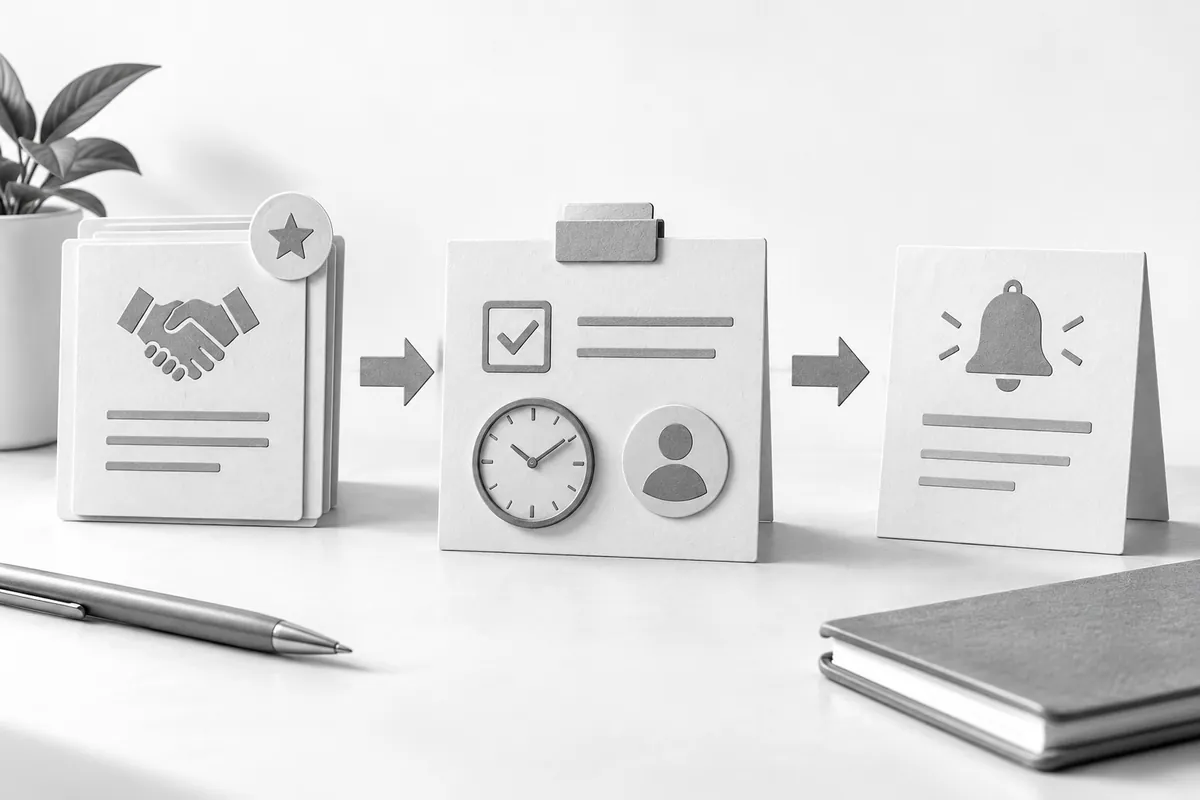
Decide what triggers the reminder: a proposal being sent, an agreed reply date or a document arriving. A fixed deadline doesn't always fit. If the customer agreed on a specific day, the automation should respect that. Technically, this is built as part of CRM and automation.
The task should include the deal, the owner and the required action. "Follow up on specification approval" is more useful than "call back." The sales rep should understand the context without digging through several chats.
Plan for cancellations and owner changes
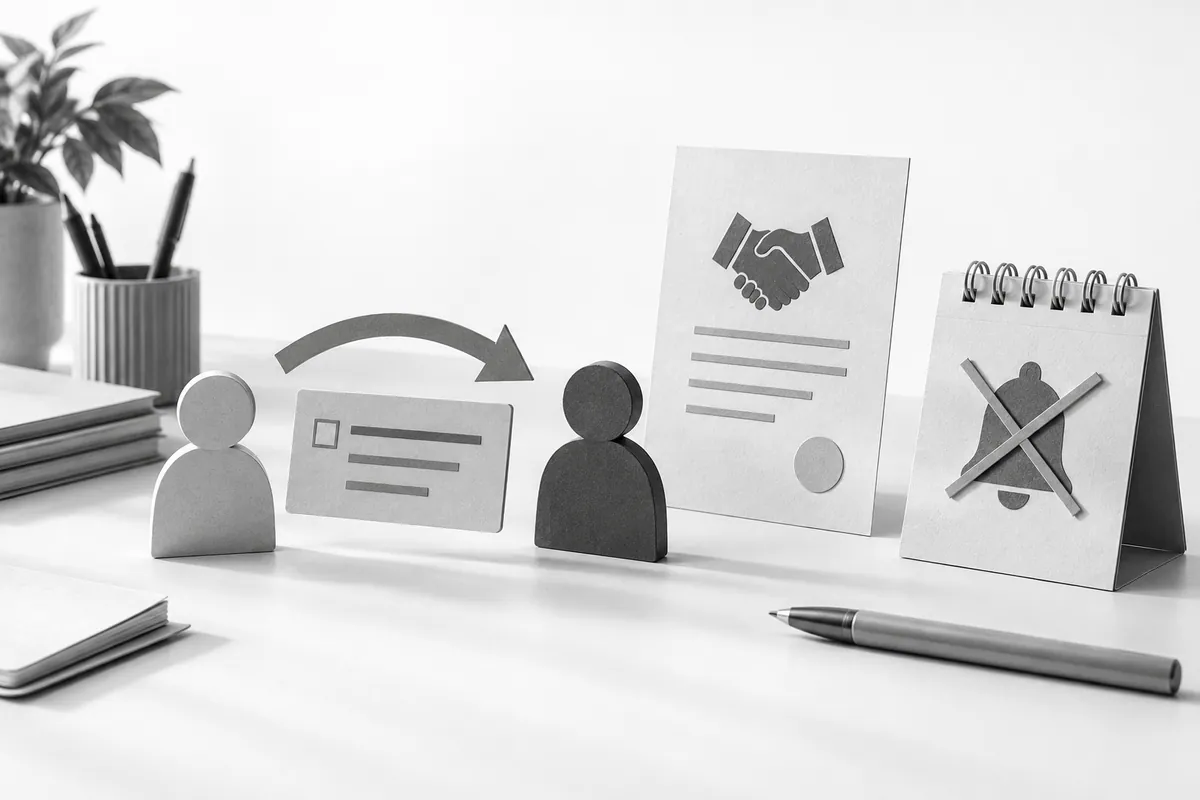
If the deal is closed, the customer declines or the date moves, the old task has to be canceled or updated. Saving the record again shouldn't create another identical task. Test these situations separately from the normal trigger.
Account for employees who are away and for handing over responsibility. Tasks shouldn't stay assigned to someone who no longer handles the deal. For a shared queue, decide who picks up inquiries so that responsibility doesn't dissolve across everyone.
Escalation should help the work get done
When a task is overdue, first check that it's still relevant. Then you can notify a manager or a backup owner. Don't send alerts every few minutes with nothing new in them. For more on workflows with error handling, see n8n for business.
Run one rule on a small group of deals and watch it for a week: are there duplicates, do unnecessary tasks get canceled, does it actually help the sales team? This is where sales automation starts, with simple workflows like these. If stages and owners aren't defined yet, you first need to set up the process in your CRM.