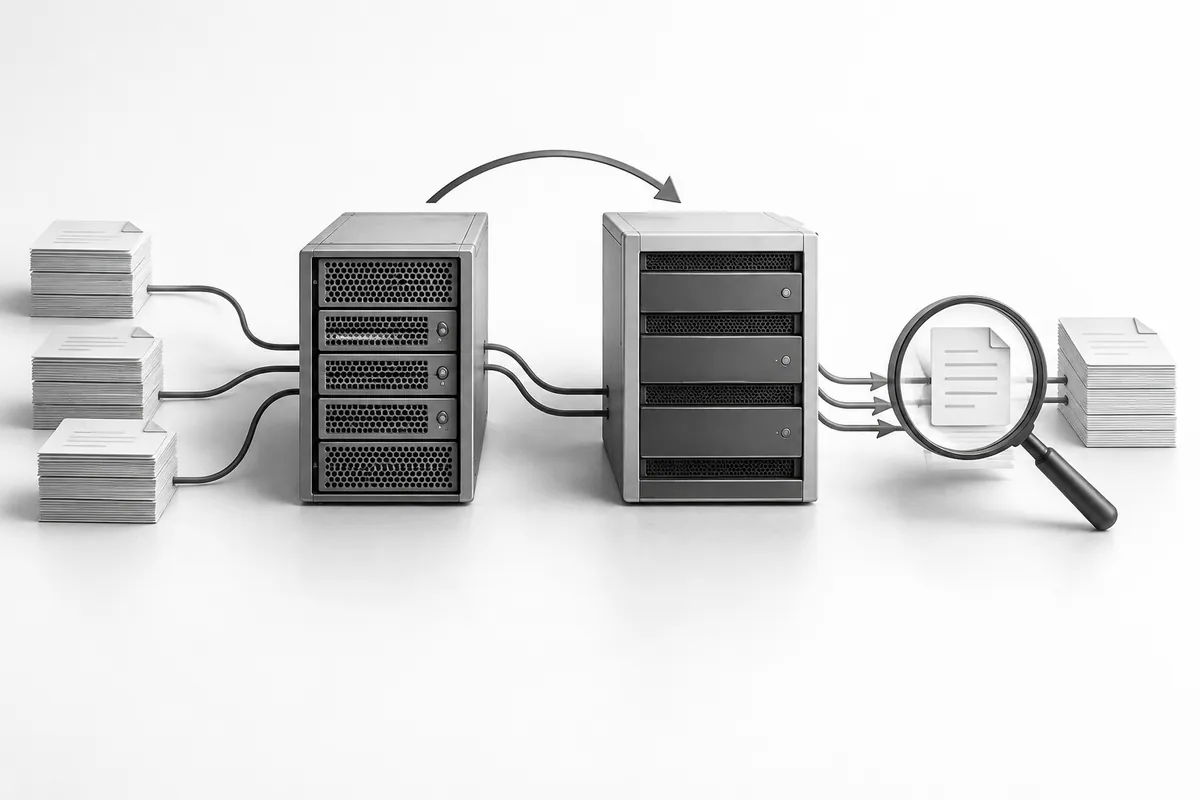
Find every dependency
Write down where the site, database, email, domain and third-party integrations live. Changing hosts doesn't necessarily mean moving email. Carelessly replacing DNS records can break it even while the site itself loads fine. If your site has outgrown a regular plan, consider server solutions.
Save the current configuration and a backup. Agree on the timing and on who decides whether to roll back. The plan needs a clear stop condition: for example, checkout doesn't work or required data is missing.

Test the new environment before switching
Deploy a copy and test pages, search, customer accounts, forms and integrations. The test environment must not send real notifications or charge cards. Test each scenario in a controlled way.
For an active site, decide how to sync changes made after the initial copy. Simply re-uploading the database can overwrite new orders. Sometimes you need a short, agreed freeze on changes or a separate way to carry over the new data.

After the DNS switch, keep watching
Check HTTPS, final URLs, files and incoming inquiries. Don't shut down the old environment right away: DNS caches don't update for everyone at the same time. How long to keep watching depends on your configuration and the actual traffic.
When choosing a new host, agree on the migration plan, not just the price plan. Website maintenance helps check everything after the switch and keeps a controlled rollback possible.